Executive Summary
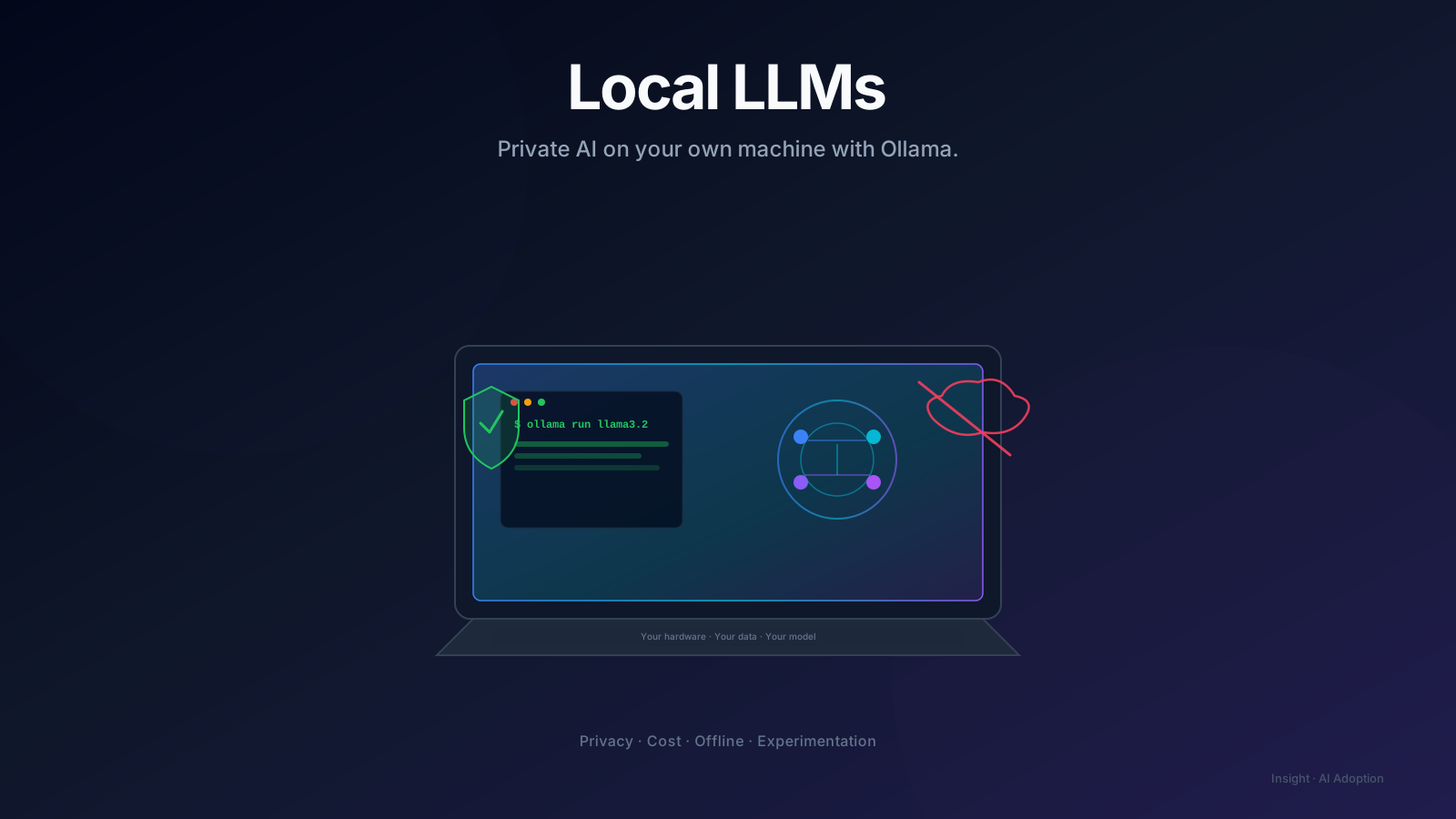
Local LLMs let you run open-source models on your own hardware, keeping sensitive data in-house and removing API costs. Ollama makes this accessible enough to become a practical part of every engineer's workflow.
Introduction
Beyond ChatGPT: Understanding the value of private, local AI models.
Over the last two years, Large Language Models (LLMs) have become an essential part of software development. Whether it's writing code, generating documentation, reviewing pull requests, or automating repetitive tasks, AI is rapidly becoming another tool in every engineer's toolbox.
For many professionals, the journey starts with cloud-based services like ChatGPT, Claude, Gemini, or GitHub Copilot. These platforms are incredibly capable and continue to push the boundaries of what's possible.
But as I explored building AI-powered developer tools and automation workflows, I realized there was another side to the ecosystem—running LLMs locally.
That's where Ollama comes in.
What Is Ollama?
Ollama is an open-source runtime that makes it remarkably easy to download, run, and manage large language models directly on your own computer.
Instead of sending prompts to a cloud provider, the model executes locally using your machine's CPU or GPU.
With a single command, you can download and start interacting with models such as Llama, Mistral, Gemma, DeepSeek, Qwen, Phi, and many others.
For developers, Ollama removes much of the complexity involved in setting up open-source LLMs.
Why Run an LLM Locally?
At first, I questioned why anyone would choose a local model when cloud models are often more powerful.
The answer became clear after building AI workflows for engineering teams.
Many organizations cannot send source code, architecture documents, customer data, or internal documentation to public AI services due to security and compliance requirements.
Running models locally keeps sensitive information inside your own environment.
Cloud APIs are excellent, but usage grows quickly.
If you're experimenting, building prototypes, or learning prompt engineering, local models eliminate token costs entirely.
Once the model is downloaded, you can use it as much as your hardware allows.
Internet connectivity shouldn't determine whether you can continue developing AI-powered applications.
Local models continue working even without network access.
Running models locally allows developers to compare multiple open-source models, evaluate their strengths, and understand how different architectures behave.
This flexibility is invaluable when designing AI solutions.
Setting Up Ollama
One of the reasons Ollama has become so popular is its simplicity.
After installing Ollama, running your first model is as straightforward as:
Ollama automatically downloads the model if it isn't already available and starts an interactive chat session.
Other useful commands include:
Displays locally installed models.
Downloads a specific model.
Removes a model you no longer need.
That's essentially all you need to begin experimenting.
ollama run llama3.2ollama listollama pull qwen3ollama rm model-nameBeyond the Command Line
The real power of Ollama emerges when it becomes part of your engineering workflow.
Today, Ollama integrates with an entire ecosystem of open-source AI tools, including:
Instead of using AI only through a chat interface, you can embed local models into applications, developer tools, automation pipelines, and internal platforms.
This is where experimentation becomes engineering.
- Open WebUI
- Continue.dev
- VS Code AI extensions
- Claude Code-compatible tools
- Goose
- OpenHands
- LangChain
- LlamaIndex
- n8n
- Flowise
- AnythingLLM
- MCP-compatible applications
Understanding the Trade-offs
Running models locally isn't a replacement for every cloud-based AI service.
There are trade-offs.
Large models require significant RAM or GPU memory.
Inference is generally slower than enterprise cloud infrastructure.
The most capable proprietary models still outperform many open-source alternatives on complex reasoning tasks.
For production applications requiring the highest possible accuracy, cloud-hosted models often remain the better choice.
However, for learning, experimentation, internal tooling, automation, and privacy-sensitive workloads, local models are increasingly capable.
The gap continues to narrow with every new generation of open-source models.
My Perspective
I don't see local LLMs and cloud LLMs as competitors.
I see them as complementary tools.
If I need state-of-the-art reasoning or large-scale production inference, cloud models are the obvious choice.
If I'm building internal engineering tools, experimenting with AI workflows, processing sensitive information, or simply learning, local models offer a level of flexibility that cloud services cannot.
Understanding both approaches makes us better engineers.
Final Thoughts
The rise of open-source LLMs has fundamentally changed how developers can experiment with AI.
What once required expensive infrastructure can now run on a modern laptop.
Ollama has played a significant role in making this accessible to every developer.
Whether you're building AI assistants, automating documentation, creating coding tools, experimenting with Retrieval-Augmented Generation (RAG), or simply learning how LLMs work, running models locally is a skill worth adding to your engineering toolkit.
The future of AI won't belong exclusively to cloud platforms or local models.
It will belong to engineers who understand when to use each.
Key Takeaways
- Local LLMs provide greater privacy and data control.
- Ollama makes running open-source models simple and developer-friendly.
- Local inference eliminates API costs during experimentation.
- Open-source models integrate well with modern AI development tools.
- Cloud and local models each have strengths; understanding both expands your architectural options.
Enjoyed this article?
I write about engineering leadership, AI, DevOps, developer productivity, career growth, and local-first AI. If this resonated with you, connect with me on LinkedIn or explore more articles in the Insights section.